Cursor vs Firebase Studio
Which is better for vibe coding in 2026? Here's a detailed comparison to help you choose.
Cursor
The AI Code Editor
Cursor is an AI-first code editor built on VS Code. It offers AI autocomplete, codebase-aware chat, multi-file editing with Composer, and inline code generation. One of the most popular AI coding tools with a large community.
Firebase Studio
Google's AI-Powered App Builder
Firebase Studio (by Google) is a cloud-based AI development environment for building and deploying full-stack apps. It leverages Gemini AI for code generation and connects natively with Firebase services for auth, database, and hosting.
// Feature Comparison
| Feature | Cursor | Firebase Studio |
|---|---|---|
| AI autocomplete | ✓ | — |
| Authentication setup | — | ✓ |
| Chat with codebase | ✓ | — |
| Cloud-based IDE | — | ✓ |
| Custom AI model selection | ✓ | — |
| Firebase native integration | — | ✓ |
| Firestore database | — | ✓ |
| Gemini AI code generation | — | ✓ |
| Inline code generation | ✓ | — |
| Multi-file editing (Composer) | ✓ | — |
| One-click Firebase deployment | — | ✓ |
| VS Code extension compatibility | ✓ | — |
// Cursor Pricing
Free tier with limited completions. Pro at $20/mo, Business at $40/mo
// Firebase Studio Pricing
Free within Firebase free tier limits. Pay-as-you-go for Firebase services
Cursor is best for
Developers who want AI-powered coding in a familiar VS Code environment
Firebase Studio is best for
Developers in the Google/Firebase ecosystem who want AI-assisted full-stack development
// Apps Built With These Tools
Built with Cursor
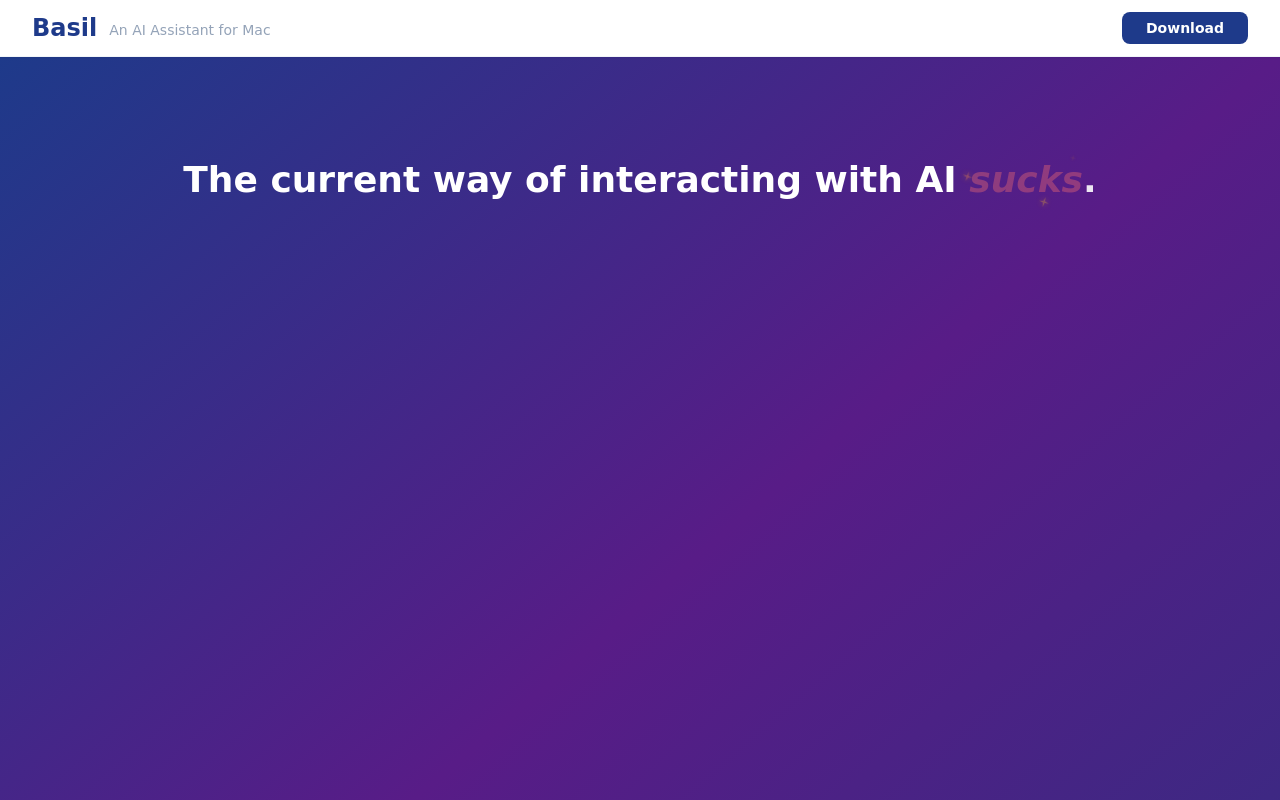
Basil
Basil is an AI assistant embedded in your Mac that handles emails, files, browser actions, and research using screen context. Activate it with a hotkey or voice command to automate tasks without copy-pasting between apps.
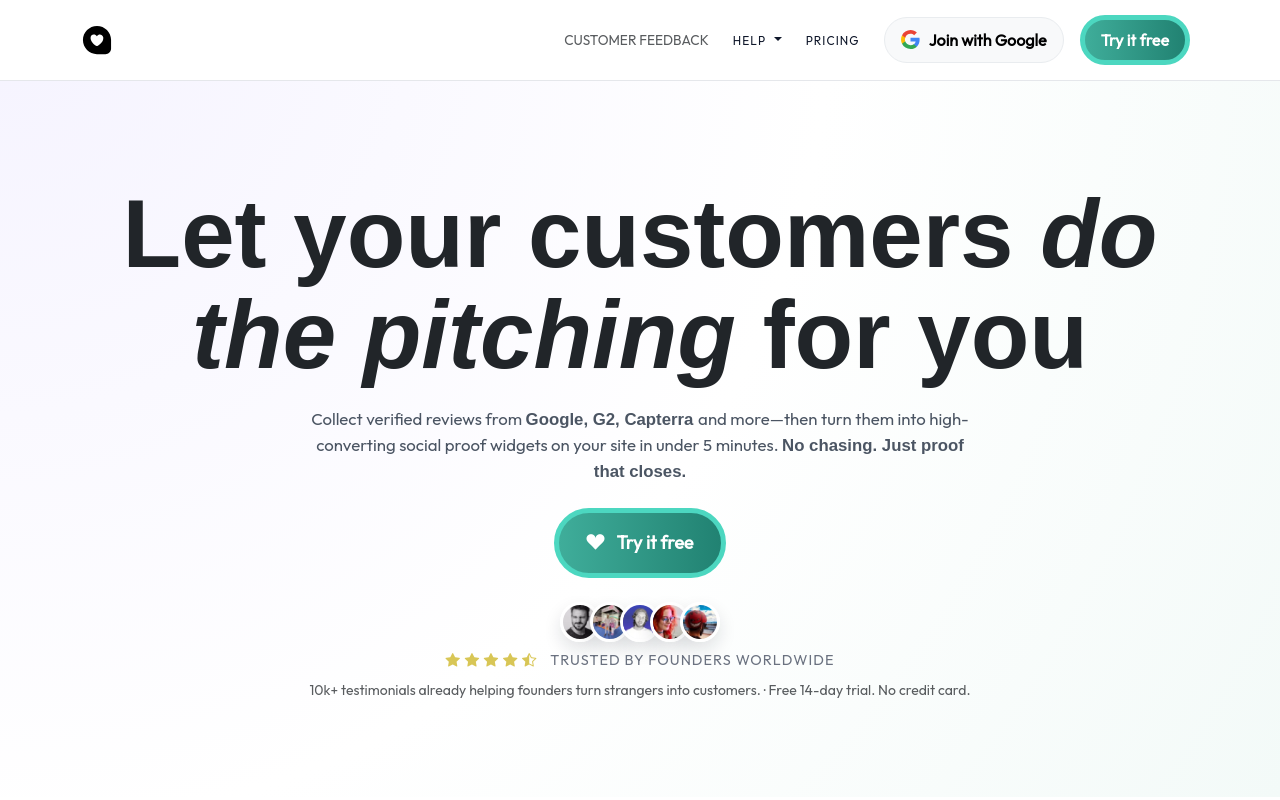
Cfeedback
Cfeedback helps startups collect verified customer reviews from Google, G2, Capterra and other sources, then converts them into customizable social proof widgets that can be embedded on websites. AI-powered curation helps surface the most impactful testimonials to increase conversion rates.
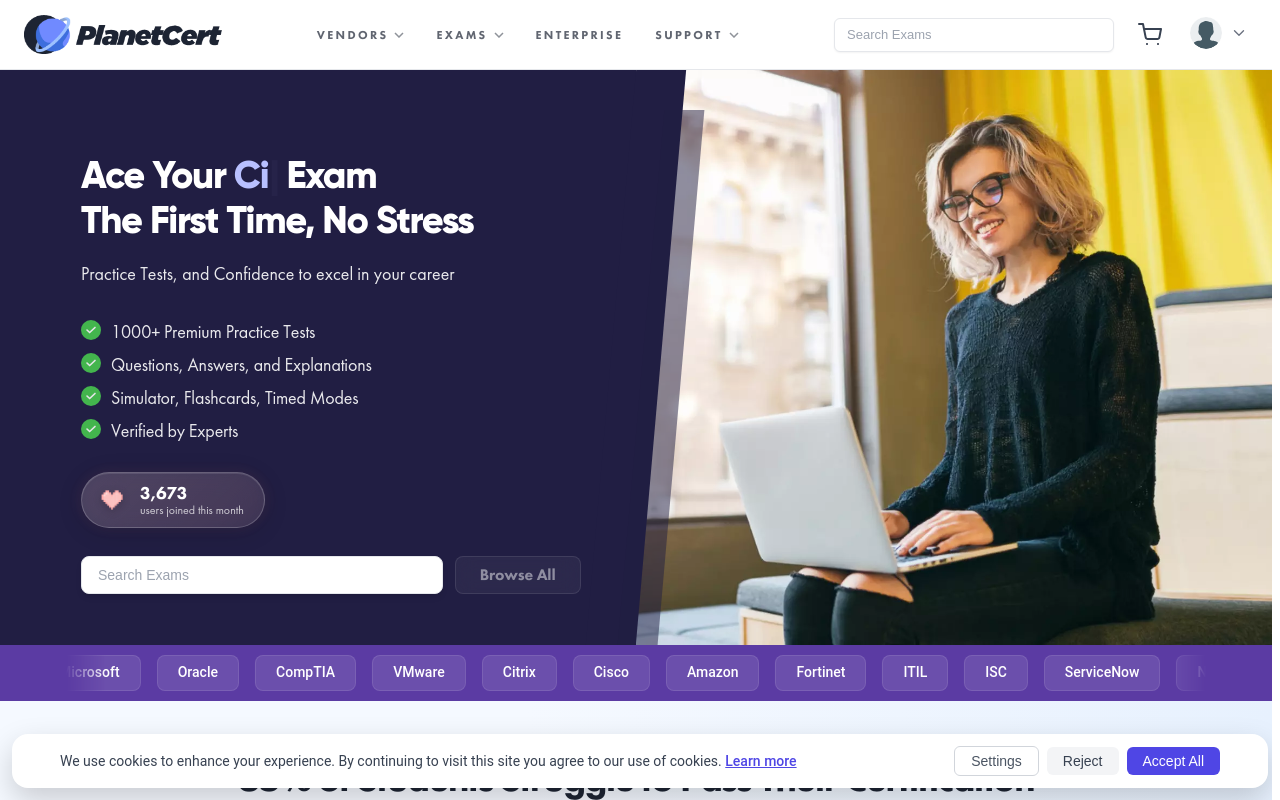
Planet Cert
Planet Cert provides premium practice tests and exam preparation materials for professional IT certifications from vendors like Microsoft, Oracle, CompTIA, AWS, and VMware. The platform offers over 1000+ practice tests with verified questions, answers, explanations, and an online exam simulator to help professionals pass certification exams on their first attempt.
Built with Firebase Studio
No apps yet. Be the first!
Built something with Cursor or Firebase Studio?
Submit your app to the MakerPad directory
+ Submit Your App